
Here is a scenario that happens to web designers every day. You spend six weeks building a client's website. You nail the brief. The spacing is considered, the typography is tight, the CTA is exactly where research says it should be. The client approves everything. You hand it over. Three months later, they email you. "The website isn't converting. What happened?"
What happened is not what they think happened.
Hiring a web designer and expecting business results is like hiring an interior designer to renovate a restaurant and then blaming them when the food is bad. The tables are well-spaced. The lighting is excellent. The menu is printed on beautiful card stock. The chef is still your problem.
You are responsible for the vessel. You are not responsible for what fills it, who walks through the door, or whether they are hungry.
The data backs this up. Unbounce analyzed 36,928 landing page variants across 16 industries and found that copy drives 65 to 70 percent of conversion outcomes. Design drives 30 to 35 percent. Their own words: "Design isn't as important as you might think." So when a client emails you about a poor conversion rate, the most likely cause is something you do not own: the offer, the pricing, the traffic source, or the words on the page.
This is not a small distinction. It is the entire conversation you need to have with every client, before you start, and definitely before they send that email. But to have that conversation well, you need to understand exactly what is and is not in your scope, which requires knowing the seven reasons a page fails to convert and which three of them are actually yours.
Why clients always blame the website
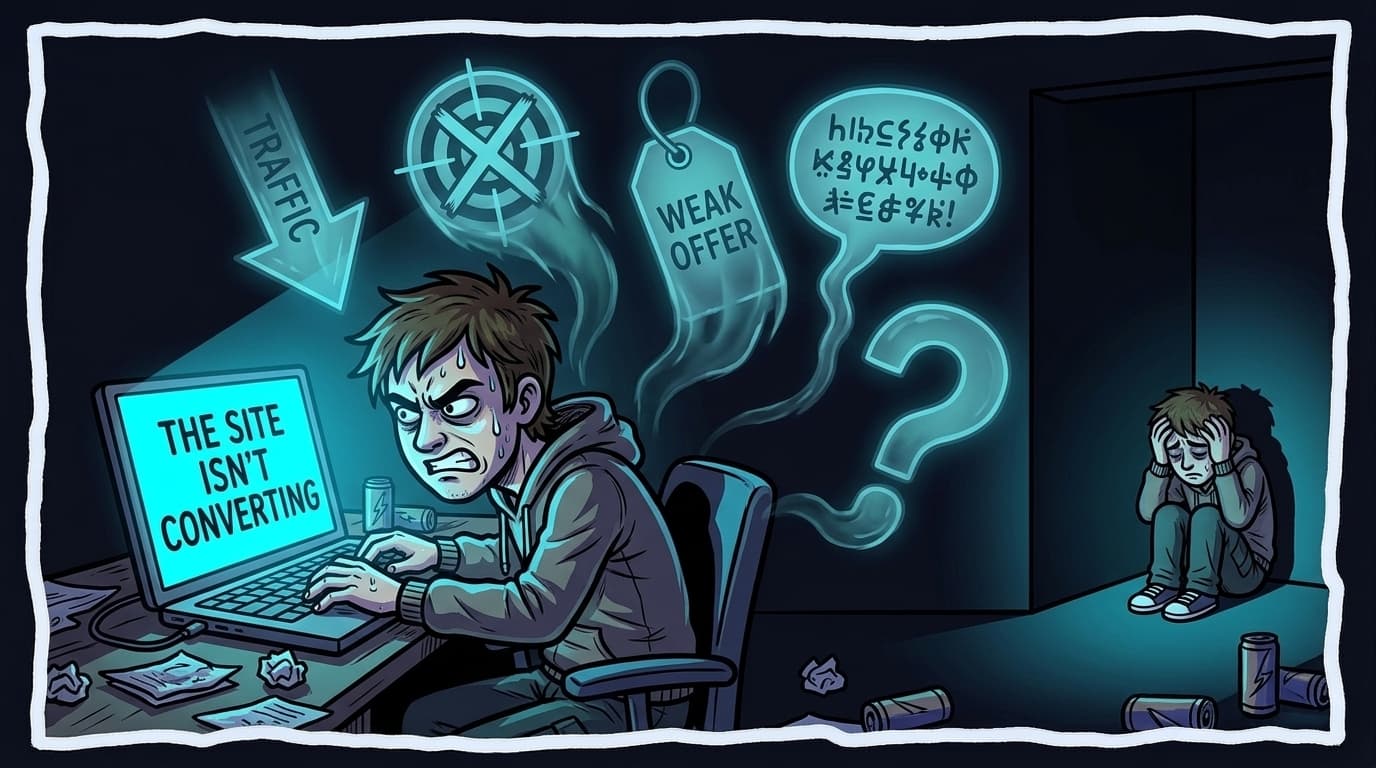
When a client says "the website isn't converting," they mean one of exactly seven things. The trouble is that five of them have nothing to do with the website.
Not enough traffic. The page gets 200 visits a month. At a 2 percent conversion rate, that is 4 leads. The client expected 40. This is a traffic acquisition problem, not a design problem (and most clients diagnose this exactly backwards).
Wrong traffic. The ads are targeting the wrong keyword. The social post attracted curious people, not buyers. The visitors arriving have no intent to convert. The best-designed page in the world cannot fix a targeting mismatch.
A weak offer. The price is wrong. The value proposition is unclear. The competition has a stronger product. No visual polish fixes a weak offer.
Copy that does not explain the value. This is the boundary case. Layout is your responsibility. The words are usually the client's. If the headline says "Welcome to our website," that is not a design failure.
A CTA that is hard to find. This one is yours. If someone has to scroll twice to find where to click, that is a design decision that costs conversions.
A slow page. Also yours. Pages loading in 2.4 seconds or less convert roughly double compared to slower alternatives. Every 0.1-second improvement yields 8 to 10 percent conversion gains on mobile.
No trust signal above the fold. Still yours. Whether there is a review, a logo strip, or a credibility marker before the scroll is a layout decision.
Items 1 through 4 account for roughly 70 to 80 percent of conversion complaints. Items 5 through 7 are legitimately in your scope. Said differently: when a client says "the website isn't converting," there is a 70 to 80 percent chance the actual cause is outside your control entirely.
You are being blamed for 30 percent of the problem.
65–70%
of conversion outcomes are driven by copy, not design. You are being blamed for the other 30%. Unbounce, analysis of 36,928 landing page variants
What "converting" actually means
Before you can defend your scope, you need to know what a reasonable conversion rate looks like. Most clients do not know. Most designers do not know either.
Unbounce measured 41,000 landing pages and 464 million visitor sessions and arrived at a global median of 6.6 percent. But that figure includes email sign-up pages, which inflate the average considerably. For the types of sites web designers typically build, more useful benchmarks from First Page Sage are: B2B SaaS at 1.1 percent, eCommerce at 1.6 percent, financial services at 1.9 percent, and legal at 3.4 percent.
A rough guide that holds across industries: below 1 percent is poor, 1.5 to 2 percent is average, 3 to 4 percent is good, above 10 percent is top decile.
Most clients do not know their current conversion rate. They know it feels low. That ambiguity is exactly where the blame gets deposited onto you. The conversation changes when you walk into a project knowing these numbers. "Your current rate is 0.8 percent, which is below the 1.1 percent average for SaaS pages, and here is what the research says drives that gap" is a different conversation from "I don't know what's wrong with it."
1.1%
Average conversion rate for B2B SaaS landing pages. Most clients don't know their current rate. First Page Sage, 2025
6.6%
Global median across all conversion types and industries. Email sign-ups inflate this figure significantly. Unbounce, 41,000 landing pages, 464M sessions
The three things actually in your control
Here is the part that is actually your problem. The list is shorter than your clients think, and shorter than most designers assume when they are on the defensive.
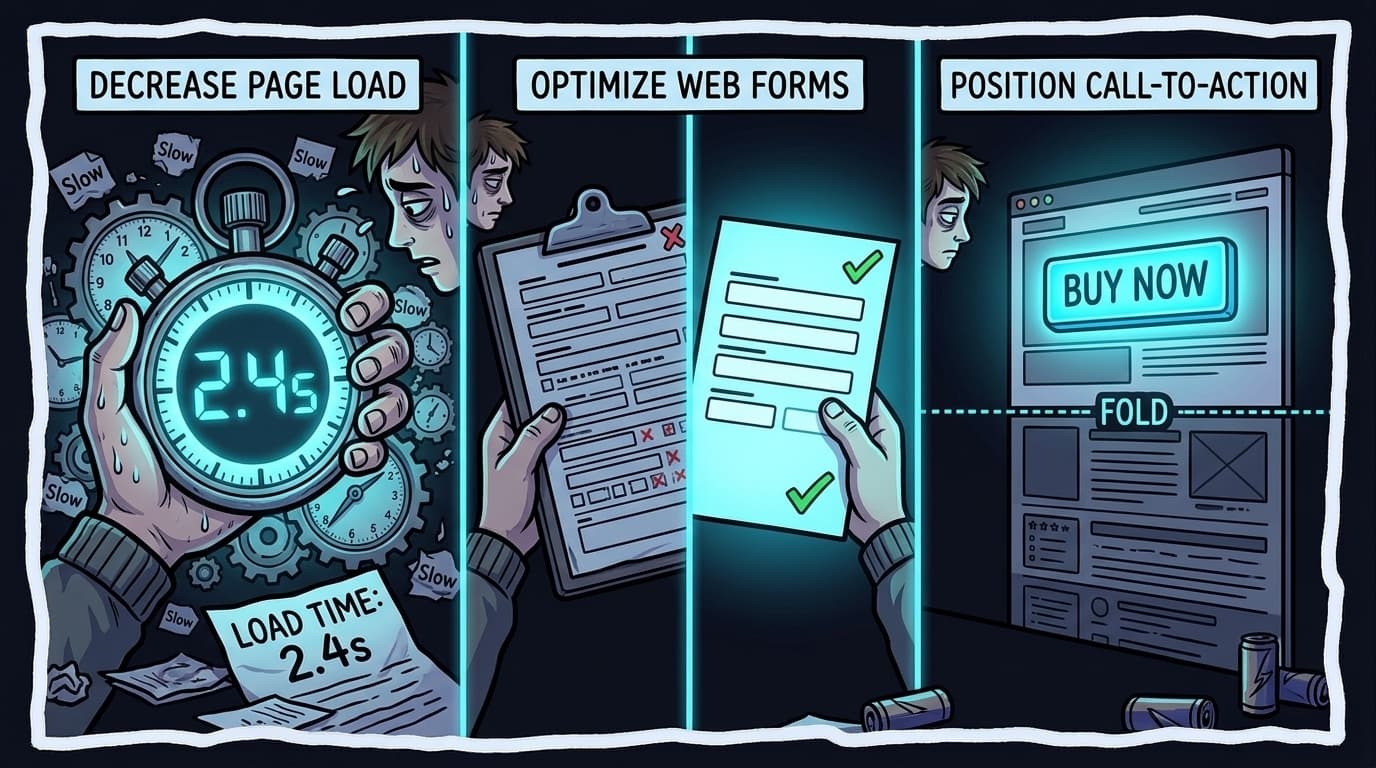
Page speed. This is the clearest line between design execution and conversion outcomes. Pages loading in 2.4 seconds or less convert roughly double compared to slower alternatives. Every additional 0.1 seconds of load time costs 8 to 10 percent of mobile conversions. Fifty-three percent of mobile visitors abandon pages that take longer than three seconds to load. These numbers come from Google's analysis of 11,000 mobile landing pages. Image compression, render-blocking scripts, hosting tier, and lazy loading are all decisions you make or directly influence. If the site is slow three months after handoff, it was probably slow on launch day.
Form friction. The average landing page has 11 form fields. Pages with 4 fields convert 120 percent better than pages with more. The number of fields is a design decision. Whether the primary conversion form is above the fold is a design decision. Whether labels stay visible when a field is active is a design decision. All of this sits in your scope.
Above-fold clarity. Whether a visitor understands what the page is about within the first few seconds is partly a copy problem and partly a layout problem. The layout problem is yours: visual hierarchy, what dominates the viewport, whether the CTA exists above the scroll. The copy problem is the client's, but you can flag it.
2.4s
Pages at or below this load time convert roughly double. Every 0.1s more costs 8–10% on mobile. Google, analysis of 11,000 mobile landing pages
120%
Better conversion rate for pages with 4 form fields vs. the 11-field average. Quicksprout / Hubspot landing page research
Key takeaway
Three levers you own: page speed, form friction, above-fold layout. Everything else is the brief, the offer, or the traffic.
How to protect yourself before the handoff conversation happens
The designers who never have the blame conversation do three things before a project starts, not after.
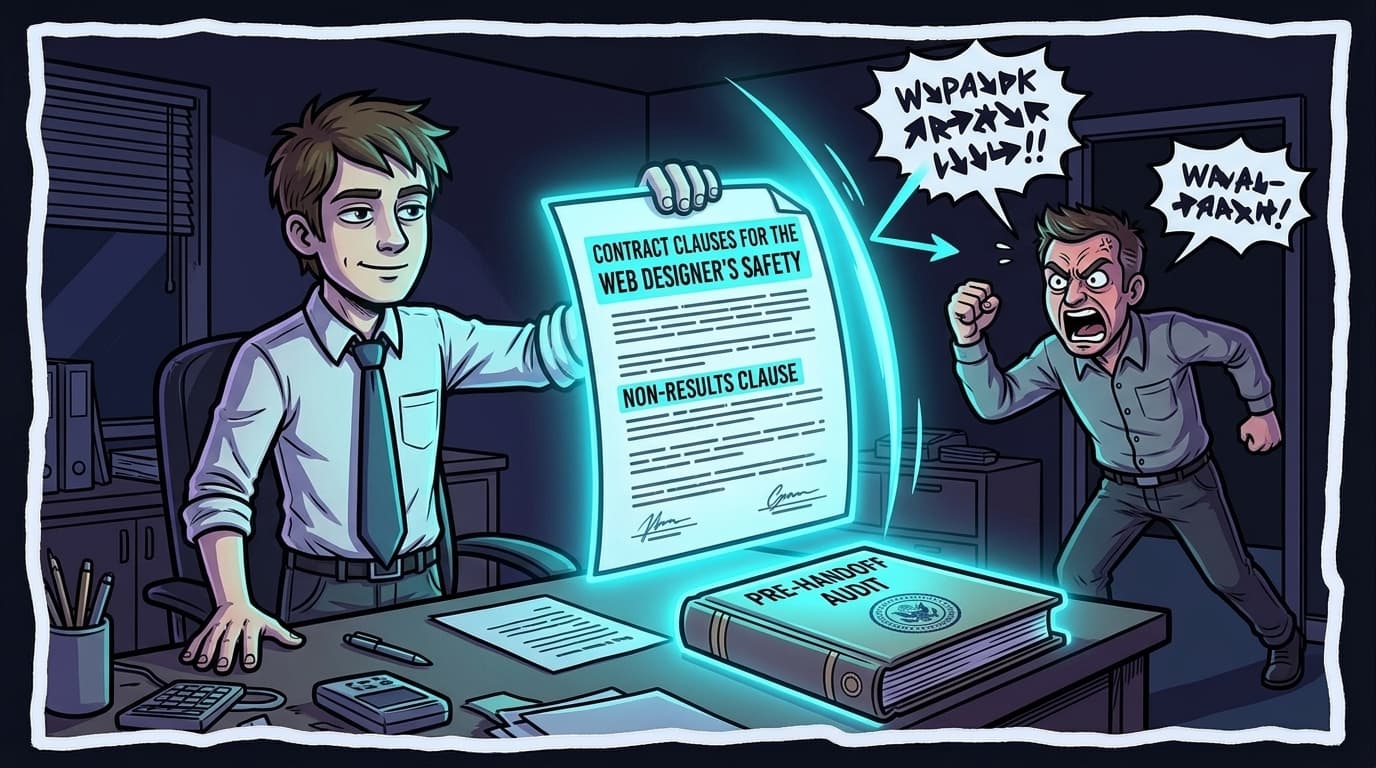
Define conversion in the brief. Before you design a single component, ask: what counts as a conversion? A phone call? A form submission? A free trial signup? A purchase? Get the answer in writing, agreed by both sides. This creates a shared definition of success before any work begins. When the post-launch conversation happens, you are both looking at the same metric.
Non-results clause in the contract. Standard in agency contracts and almost never used by freelancers. Your contract should state that you are delivering a functional, well-designed website and are not responsible for business outcomes, revenue generation, or conversion rate performance. This is not adversarial language. It is accurate language. Most clients accept it without pushback because it is clearly true.
A pre-handoff conversion audit. A pre-handoff conversion audit is a diagnostic run on the finished site before you deliver it. Document page speed, form friction, CTA visibility, and above-fold clarity at the moment of handoff. You are creating a paper trail showing the conversion-ready state of the site at launch. If results deteriorate later because the client changed their offer, rewrote the copy, or stopped running ads, you have documented evidence of what you delivered.
This last step is where a behavioral simulation earns its place in your workflow. Running 50 visitor personas through the finished page before handoff gives you a documented read on clarity, trust signals, and friction points from the perspective of real audience types: price-sensitive buyers, skeptical researchers, mobile users arriving from social. You hand the client an audit report alongside the finished site. The scope of your work becomes legible, in writing, at launch.
How smart designers are turning this into a second revenue stream
There is another way to read this situation. The client who comes back three months later asking why the site is not converting is not just a problem. They are a buyer. They have identified that they have a conversion issue. They came to the person who built the thing.
The web designers making money from this have a service ready when that conversation happens.
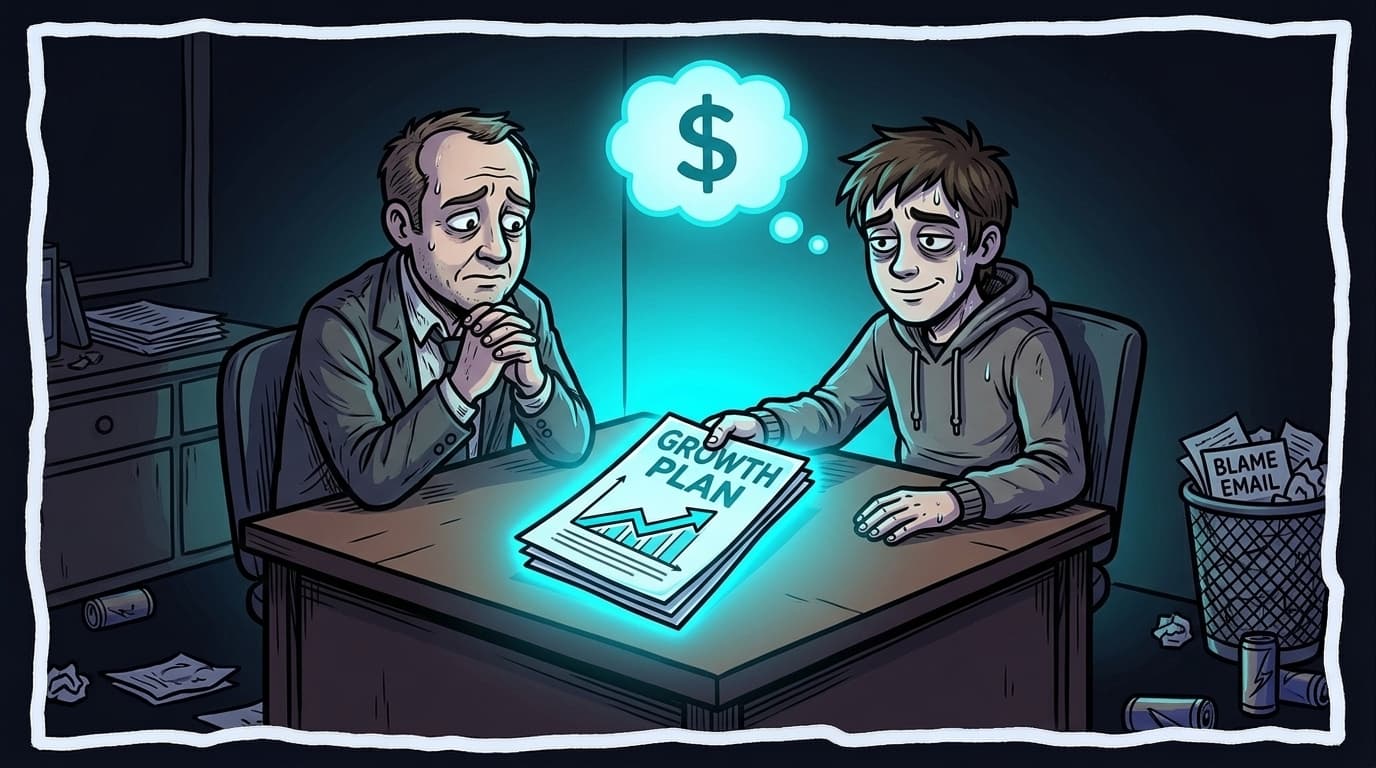
The reframe that works: stop calling it maintenance, start calling it a growth plan. A growth plan retainer for web designers is a post-launch service covering three areas: trust (UX improvements, mobile responsiveness, social proof updates), traffic (SEO, which can be subcontracted), and conversion optimization (lead capture, CTA testing, friction reduction).
Pricing at the entry level runs from $1,500 to $2,500 a month for collaborative retainers and $300 to $500 for one-time audit packages. But the price matters less than the pitch.
The pitch that closes is not "I will optimize your conversion rate." The pitch is: "Your current page is converting at about X percent. Industry average for your category is Y percent. At your traffic level, that gap represents roughly Z additional leads per month. Here is what it costs to close it."
Research on professional services proposals finds that ROI framing closes 28 percent more retainers than describing services. The difference is diagnosis before prescription. You already built the site. You know where the issues are. You are the lowest-cost and best-qualified person in the room to run that retainer. The client just needs you to offer it.
28%
More retainers closed when using ROI framing vs. service description. Diagnosis before prescription. Blair Enns, Win Without Pitching / professional services proposals research
If you want the diagnosis ready before that conversation, that is what the WhyIQ white-label CRO audit is built for: scan a client's site, get a per-page conversion diagnosis you can hand over, and white-label the report for the growth-plan retainer.
Frequently Asked Questions
Who is responsible for a website's conversion rate?
Conversion rate is a shared responsibility. The designer owns page speed, form friction, CTA visibility, and above-fold layout. The client owns the offer, pricing, traffic source, and copy. Unbounce analyzed 36,928 landing page variants and found copy drives 65 to 70 percent of conversion outcomes; design drives 30 to 35 percent. Establishing this breakdown in writing before work starts makes the post-launch conversation much easier.
What is a good website conversion rate for a small business?
It depends on your industry and conversion type. For B2B SaaS sign-up pages, 1.1 percent is average. For legal services, 3.4 percent. For eCommerce, 1.6 percent. A rough guide: below 1 percent is poor, 1.5 to 2 percent is average, 3 to 4 percent is good, above 10 percent is top decile. The most useful benchmark is always your own industry and conversion type compared against your current rate.
How much does page speed affect conversion rate?
More than most designers realize. Pages loading in 2.4 seconds or less convert roughly double compared to slower alternatives. Every 0.1-second improvement on mobile yields 8 to 10 percent conversion gains. Fifty-three percent of mobile visitors abandon a page that takes longer than three seconds to load. These figures come from Google's analysis of 11,000 mobile landing pages and represent the strongest direct link between design execution and conversion performance.
How many form fields should a landing page have?
The research consistently points to fewer. Pages with 4 form fields convert 120 percent better than pages with more. The average landing page uses 11 fields. Reducing a sign-up or contact form from 7 fields to 4 is a design decision in your scope, and it is one of the highest-leverage changes available.
Should a web design contract include a no-results clause?
Yes. A well-written web design contract should specify that you are delivering a functional, well-designed website and that you are not responsible for the client's business outcomes, revenue generation, or conversion rate performance. Conversion rate depends on traffic source, offer quality, pricing, and copy, all of which are outside the designer's scope. The clause creates a clear boundary and is rarely contested when presented as what it is: an accurate description of responsibilities.
What is a pre-handoff conversion audit?
A pre-handoff conversion audit is a diagnostic run on the finished site before delivery. It documents page speed, form friction, CTA visibility, trust signals, and above-fold clarity at the moment of handoff. The value is twofold: it catches fixable issues before the client sees them, and it creates a paper trail showing the conversion-ready state of the site. If the client's conversion rate drops later due to changes outside your scope, the audit establishes what you delivered.
What is a growth plan retainer for web designers?
A growth plan retainer is a post-launch service covering ongoing conversion optimization, typically split into three areas: trust (UX improvements, mobile responsiveness, social proof updates), traffic (SEO, which can be subcontracted), and transformation (conversion optimization, lead capture, email sequences). Pricing typically runs from $1,500 to $2,500 per month for collaborative retainers and $300 to $500 for one-time audit packages. It turns the post-launch blame conversation into a paid engagement.
How do I pitch conversion optimization to an existing web design client?
Use ROI framing, not service description. Instead of 'I will optimize your conversion rate,' say: 'Your current page is converting at roughly X percent. Industry average for your category is Y percent. At your traffic level, that gap is approximately Z additional leads per month. Here is what it costs to close it.' Research on professional services proposals finds that ROI framing closes 28 percent more retainers than describing services. You built the site, you know where the issues are, and you are the lowest-cost qualified person to address them.
If you want to hand clients a documented audit at the next handoff, run a free WhyIQ scan on the finished page. You will get a report showing how 50 visitor personas read the page, what confused them, and what can be fixed before launch. Hand the report over with the keys.
Scan a page free